
Top 10 Ethical Hacking Tools (2026 Edition)

A curated list of powerful, widely used tools for penetration testing, red teaming, and cybersecurity research.
For legal and educational use only.
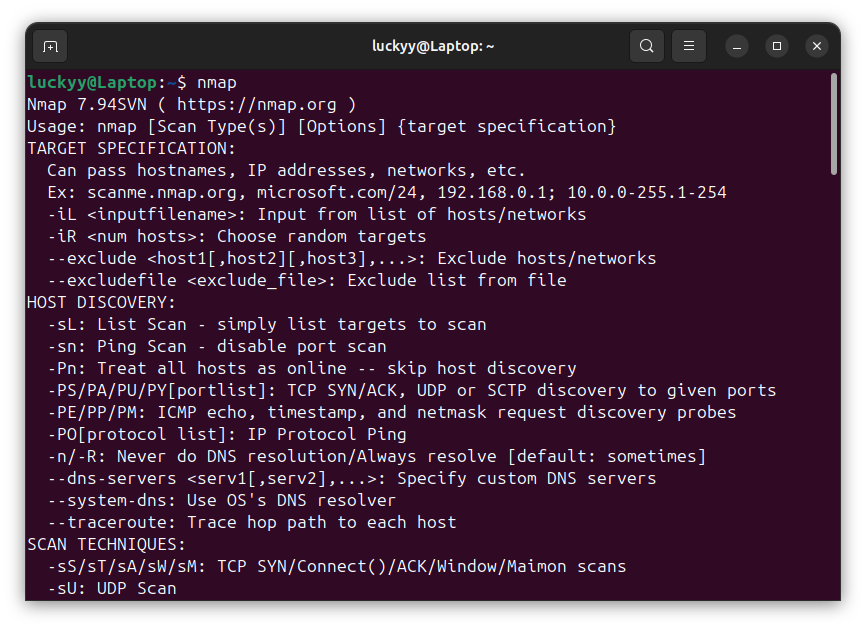
1. Nmap
Network discovery & port scanning
Nmap is the go-to tool for mapping networks, discovering open ports, identifying services, and detecting operating systems.
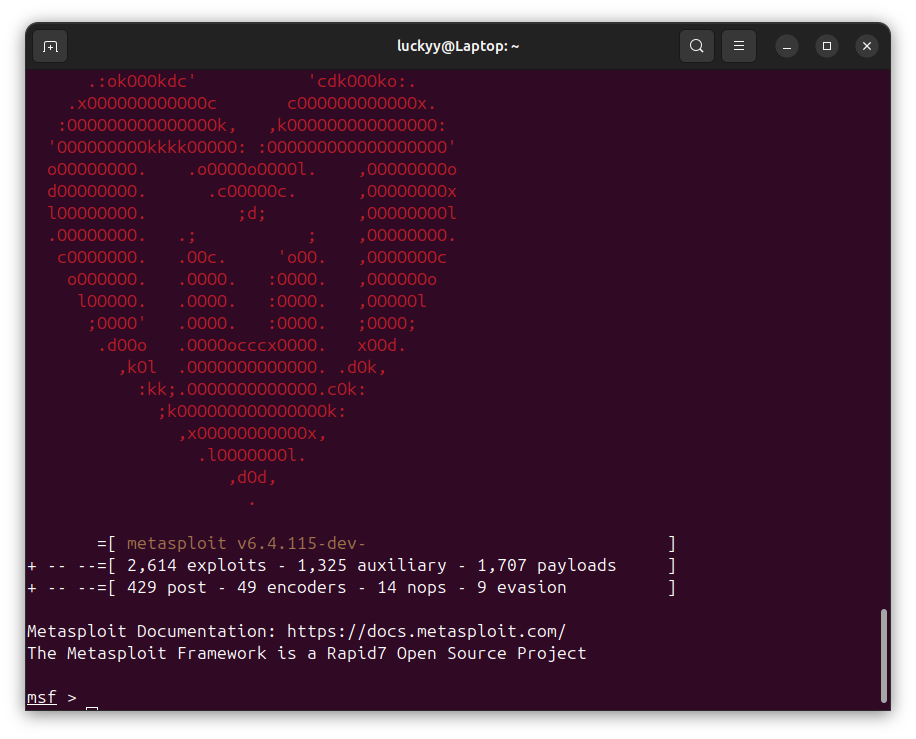
2. Metasploit Framework
Exploitation framework
Metasploit allows security researchers to test vulnerabilities using a large database of exploits and payloads.
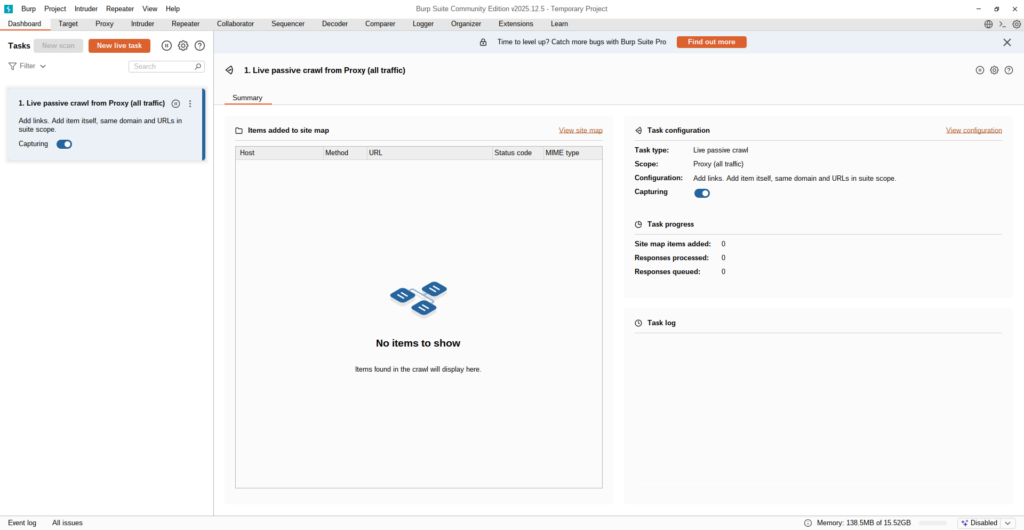
3. Burp Suite
Web application testing
Burp Suite is essential for web pentesting — intercepting traffic, manipulating requests, testing authentication, and finding logic flaws.
🔗 https://portswigger.net/burp
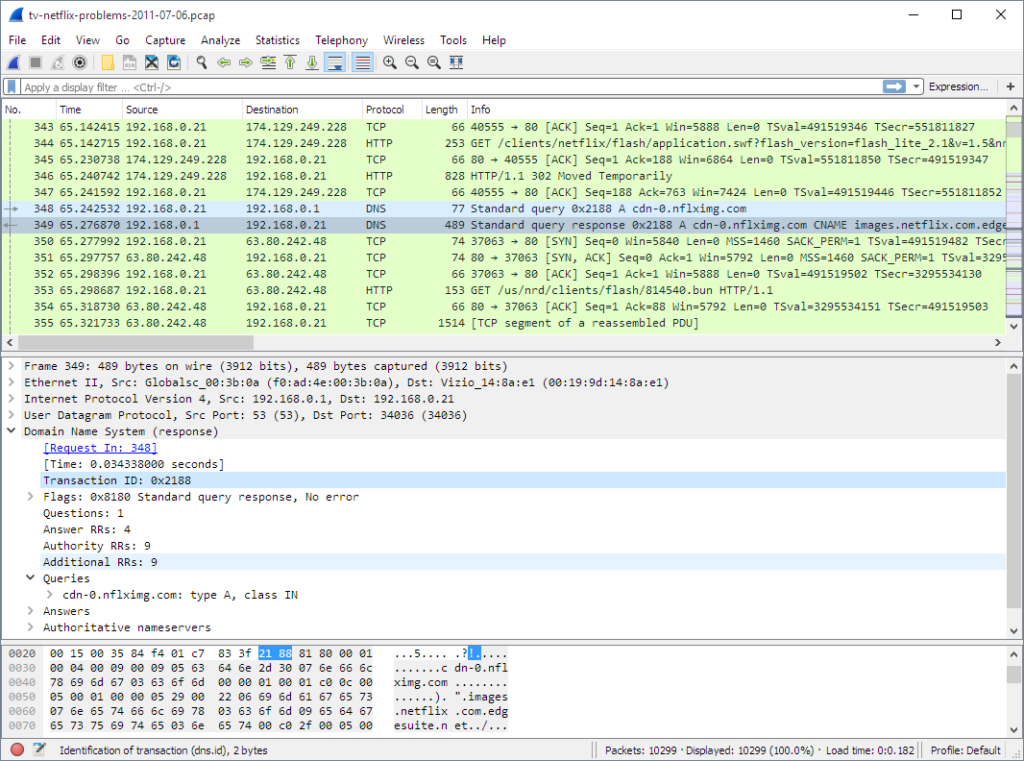
4. Wireshark
Packet analysis
Wireshark captures and analyzes network traffic in real time. Ideal for debugging protocols and spotting suspicious activity.
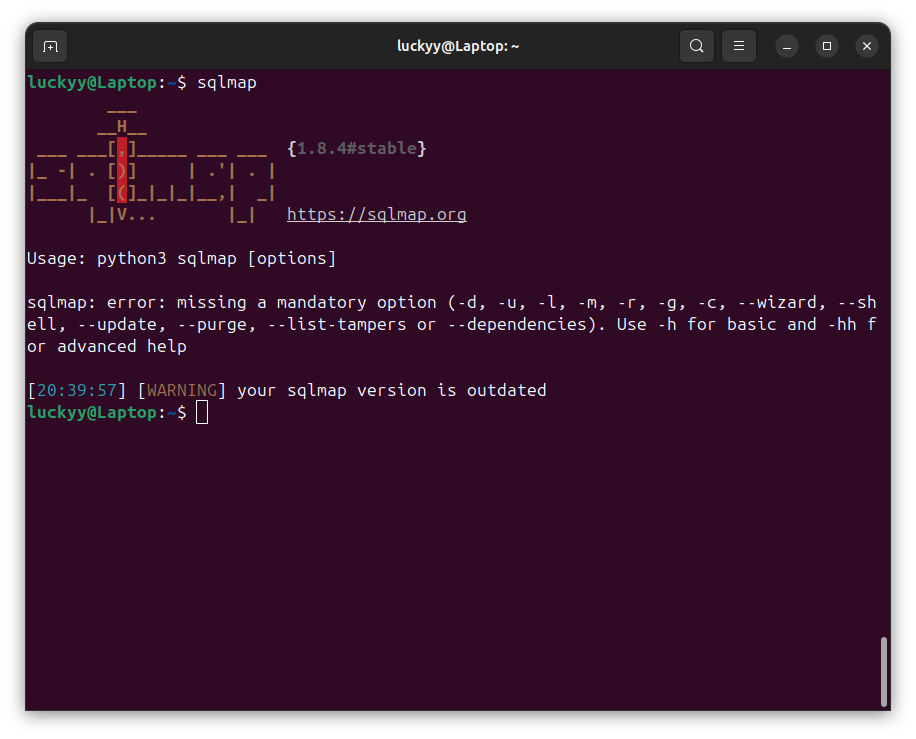
5. SQLmap
Automated SQL injection testing
SQLmap automates the detection and exploitation of SQL injection vulnerabilities.
6. John the Ripper
Password auditing
A powerful password cracking and hash testing tool used in security assessments.
🔗 https://www.openwall.com/john/

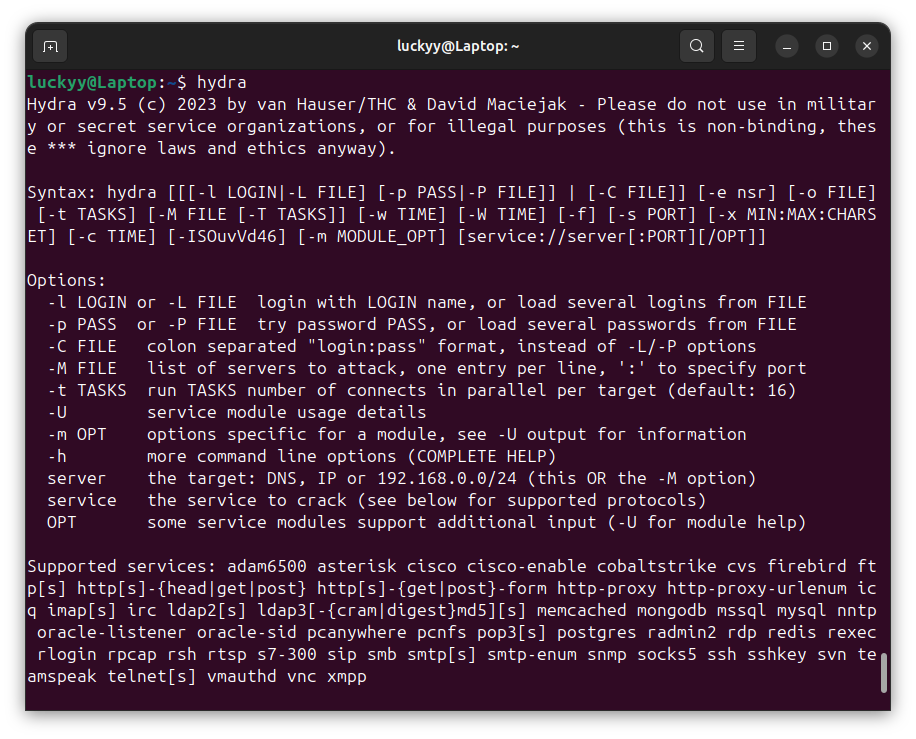
7. Hydra
Brute-force testing
Hydra is used to test login credentials across many protocols including SSH, FTP, and HTTP.
🔗 https://github.com/vanhauser-thc/thc-hydra
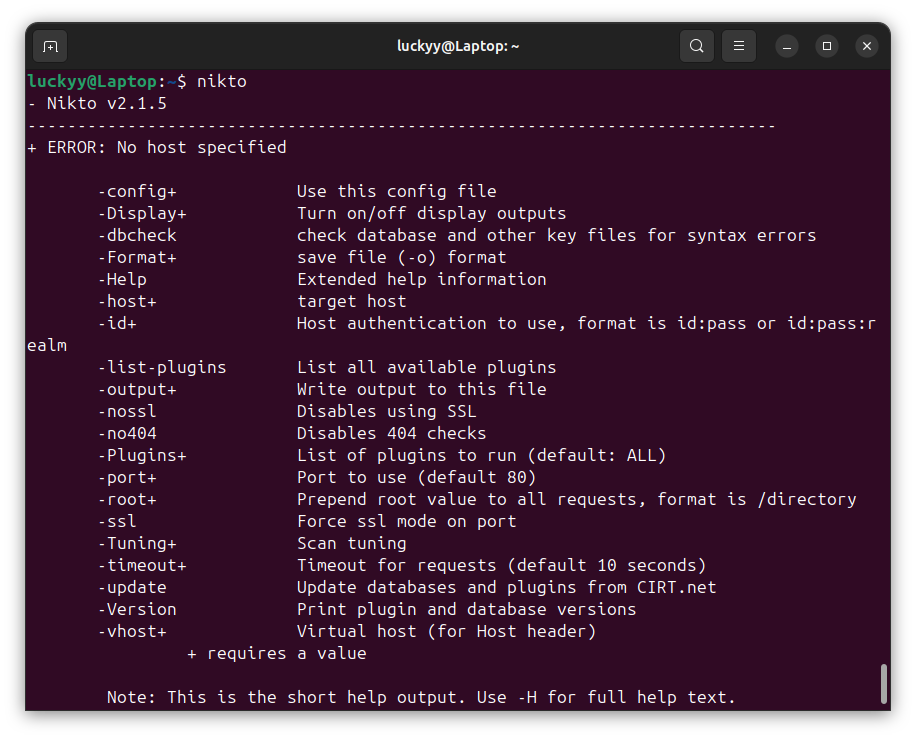
8. Nikto
Web server scanner
Nikto scans web servers for outdated software, misconfigurations, and known vulnerabilities.
🔗 https://github.com/sullo/nikto
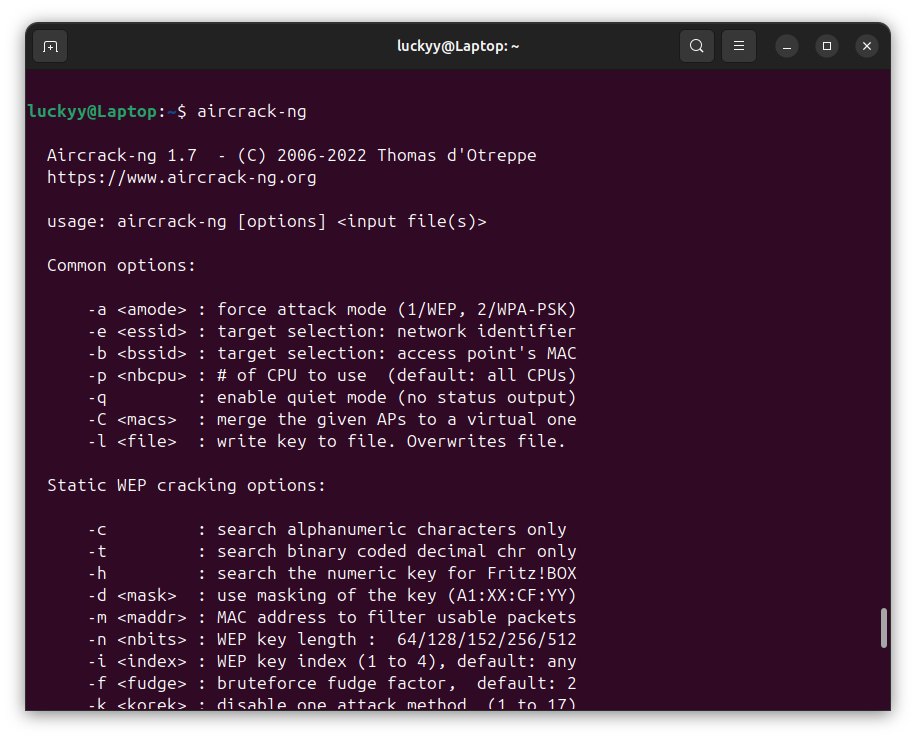
9. Aircrack-ng
Wireless security testing
Used to test Wi-Fi security, capture packets, and audit WPA/WPA2 encryption.
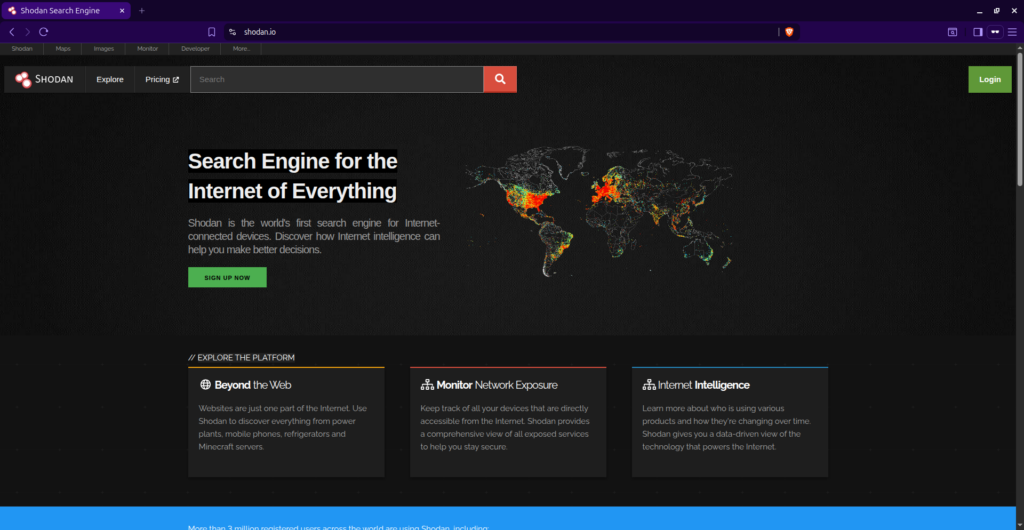
10. Shodan
Internet-wide search engine
Shodan lets researchers discover exposed devices, services, and infrastructure on the public internet.
Read the full article: https://luckyy.uk/top-10-ethical-hacking-tools-2026-edition/

 English
 Arabic
 French
 Spanish
 Portuguese
 Deutsch
 Dutch
Dutch
 Italiano
 Russian
 Romaian
 Portuguese (Brazil)
 Greek
Greek