
New “Massiv” Android Banking Malware Spreads Through Fake IPTV Apps
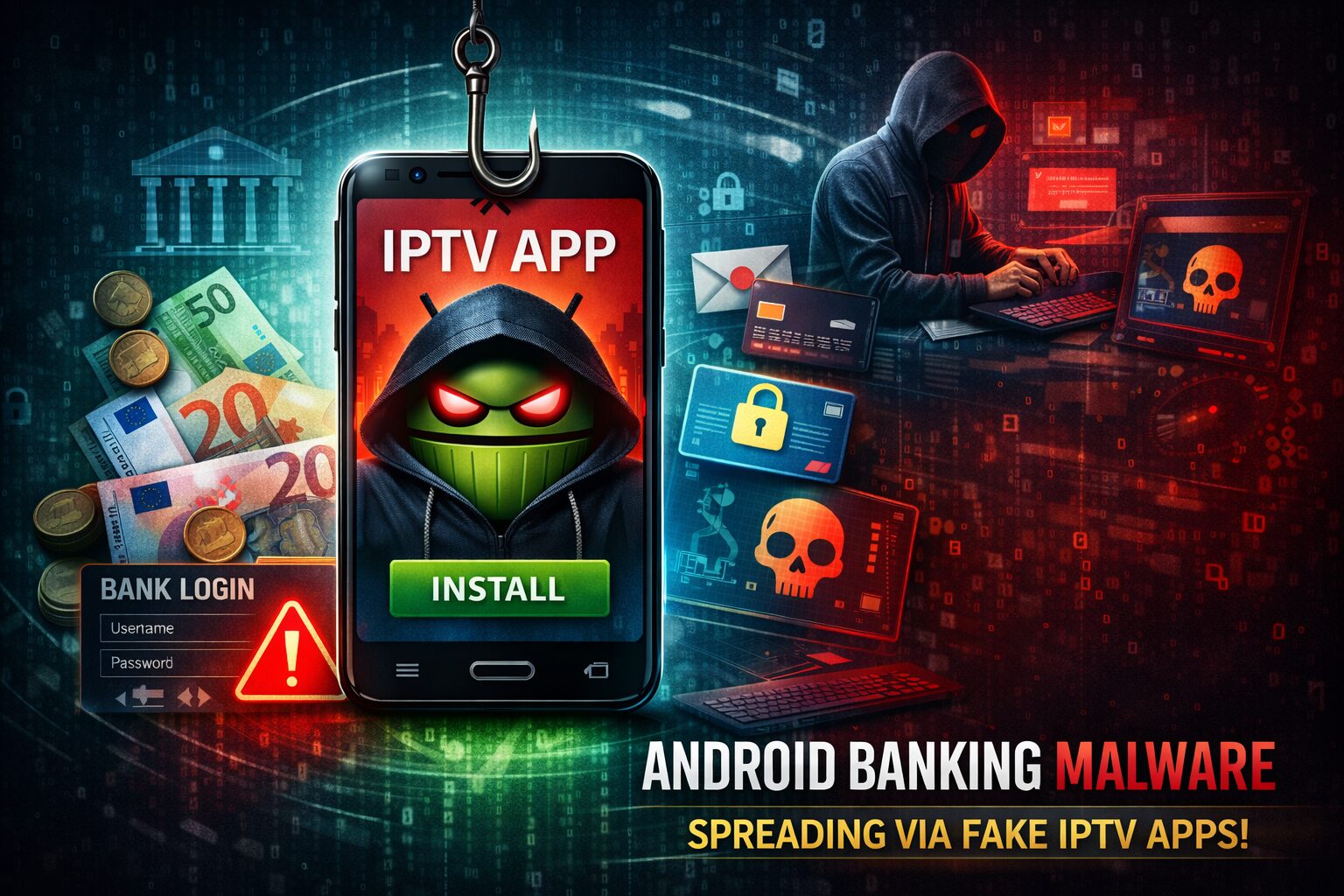
Security researchers have identified a newly emerging Android banking trojan known as Massiv, currently being distributed through malicious applications posing as IPTV streaming services.
The campaign relies on users downloading unofficial APK files from third-party sources rather than official app stores. Once installed, the malware can obtain elevated permissions and monitor financial activity on the device.
How the Infection Occurs
The attack does not exploit a vulnerability in Android itself. Instead, it relies on social engineering and permission abuse.
- Victims are lured into installing what appears to be a legitimate IPTV application.
- The application is distributed outside official marketplaces.
- After installation, it requests Accessibility Service permissions.
- Once granted, the malware activates monitoring and remote interaction capabilities.
By abusing Android’s Accessibility framework — and in some cases screen capture functionality — the malware can observe on-screen activity and interact with applications.
Capabilities Observed
According to security researchers, Massiv includes functionality consistent with modern Android banking trojans:
- Credential harvesting through overlay techniques
- Extraction of user interface data
- Remote interaction with applications
- Monitoring of banking and financial apps
These capabilities may enable unauthorized transactions or other financial abuse if the attacker gains sufficient access.
At the time of reporting, activity has primarily been observed targeting users in parts of southern Europe.
Why This Campaign Is Notable
Massiv reflects a continued trend in Android malware development: rather than exploiting system vulnerabilities, attackers increasingly rely on persuading users to grant high-risk permissions.
The use of IPTV applications as a lure is significant because such apps are frequently distributed outside official marketplaces, increasing the likelihood of sideloading.
This case highlights two recurring security issues:
- Installation of applications from untrusted sources
- Excessive permissions granted to unfamiliar apps
Potential Impact
If successfully deployed, the malware may:
- Capture banking credentials
- Monitor financial activity
- Interact with applications in real time
Because Accessibility permissions allow application interaction, this type of malware can potentially reduce the effectiveness of certain security mechanisms that rely solely on user input validation.
However, no publicly confirmed large-scale financial losses have been officially disclosed at the time of writing.
Mitigation Recommendations
Users and organizations should take the following precautions:
- Install applications only from official app stores
- Avoid sideloading APK files from third-party websites
- Review Accessibility permissions regularly
- Remove applications requesting unnecessary elevated access
- Enable built-in Android security features such as Google Play Protect
- Use reputable mobile security solutions where appropriate
Organizations managing Android fleets should consider restricting sideloading through mobile device management policies.
Conclusion
The emergence of the Massiv banking trojan reinforces a broader trend in mobile threats: attackers increasingly exploit user trust and permission abuse rather than software flaws.
As mobile banking adoption continues to grow, campaigns using social engineering and accessibility abuse are likely to remain a persistent risk.
Read the full article: https://luckyy.uk/new-massiv-android-banking-malware-spreads-through-fake-iptv-apps/

 Arabic
 French
 Spanish
 Portuguese
 Deutsch
 Turkish
 Dutch
Dutch
 Italiano
 Russian
 Romaian
 Portuguese (Brazil)
 Greek
Greek